Form IR1306 electronic tax reserve certificates scheme application
Learn how to apply for Hong Kong's Electronic Tax Reserve Certificates Scheme with our guide to Form IR1306, covering eligibility, steps, and submission.
IR1306 at a glance
- Official title
- Electronic Tax Reserve Certificates Scheme Application
- Issued by
- Inland Revenue Department
We link the issuing authority's own index rather than hosting a copy, because the form is revised there and an out-of-date copy is worse than none.
Purpose of the Electronic Tax Reserve Certificates Scheme
The Electronic Tax Reserve Certificates Scheme lets taxpayers set aside funds for future tax liabilities. The Inland Revenue Department (IRD) issues electronic tax reserve certificates (e-TRCs) instead of paper certificates. These accrue interest at a rate set by the government. The scheme helps individuals and businesses budget for tax payments, especially for large or irregular liabilities like profits tax or salaries tax.
Tax reserve certificates can be purchased electronically, redeemed when a tax bill is due, or transferred to another taxpayer. The IRD administers the scheme under section 50 of the Inland Revenue Ordinance (Cap. 112). Form IR1306 Electronic Tax Reserve Certificates Scheme Application is the principal document for new participants or for managing an existing account.
Who Can Apply for the Scheme
Anyone chargeable to tax under the Inland Revenue Ordinance may apply. This includes individuals, sole proprietors, partnerships, and corporations. Non-resident persons liable for profits tax, salaries tax, or property tax may also apply. There is no minimum tax liability threshold, but each application must relate to a specific tax reserve certificate account.
Applicants need a valid Hong Kong Tax Identification Number (TIN) and registration with the IRD for the relevant tax type. Existing taxpayers who have filed returns and received a notice of assessment are eligible. New businesses without an assessment may apply by providing their Business Registration Number.
How to Buy Tax Reserve Certificates Online
You need an active eTAX account to purchase tax reserve certificates online. The eTAX portal provides access to IRD online services, including the e-TRC application. Follow these steps to buy certificates:
- Log in to your eTAX account at www.etax.gov.hk.
- Select "Tax Reserve Certificates" from the main menu.
- Choose "Purchase Electronic Tax Reserve Certificate" and specify your deposit amount.
- Complete the online application, which mirrors the information on Form IR1306.
- Submit the application and pay via an electronic method (e.g., PPS, credit card, or FPS).
The IRD will issue an e-TRC to your eTAX account within two working days of successful payment. You will receive a notification by email or SMS. Certificates are stored electronically and can be viewed or downloaded anytime.
Form IR1306 Electronic Tax Reserve Certificates Scheme Application Procedure
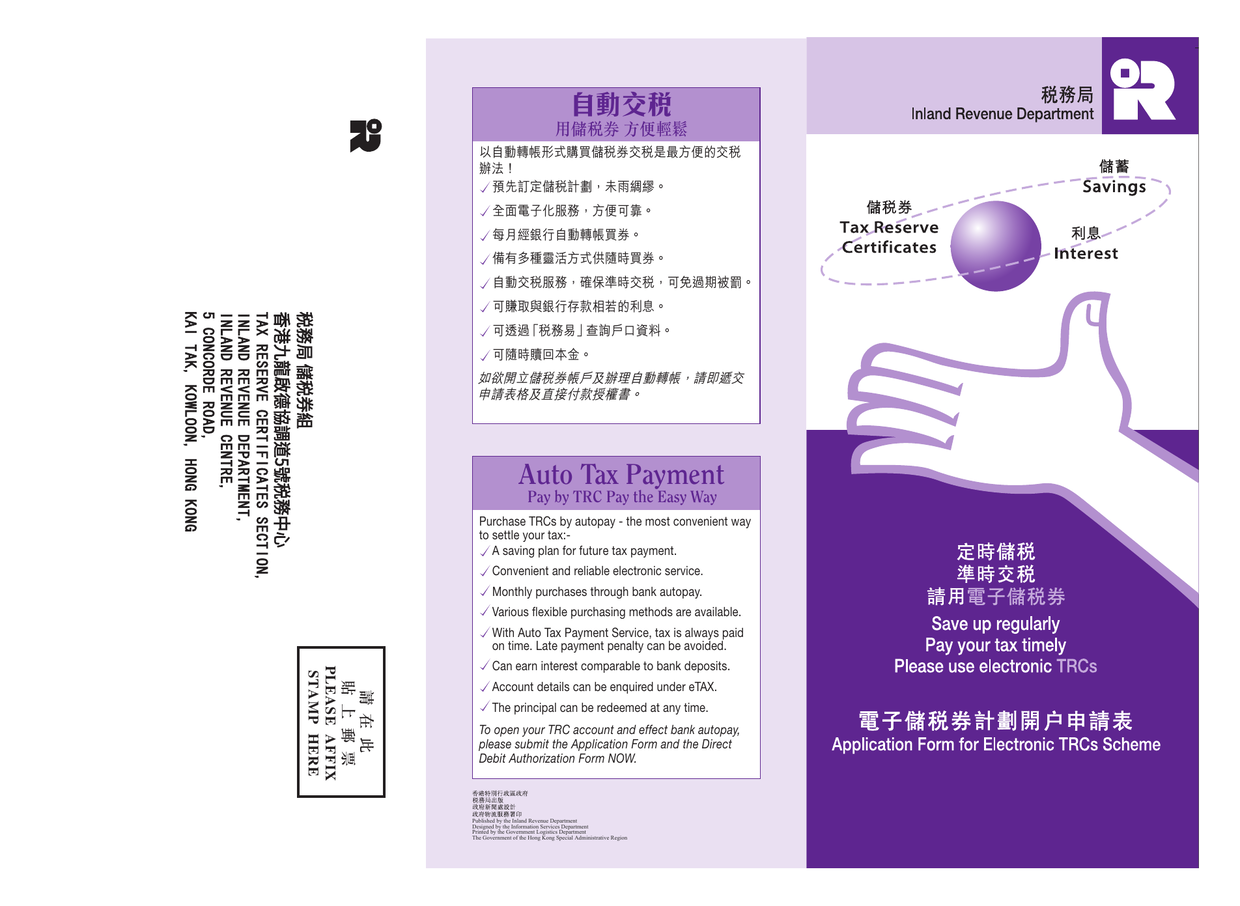
Form IR1306, "Application for Electronic Tax Reserve Certificates Scheme", is the central application form. It serves two purposes: joining the scheme as a new participant or notifying the IRD of changes to an existing account, such as a new address or authorised representative.
Step 1: Obtain the Form
Download Form IR1306 from the IRD forms index at www.ird.gov.hk/eng/paf/bus.htm. The PDF form can be completed electronically or printed and filled in by hand.
Step 2: Complete Required Particulars
The form requires the following information:
- Taxpayer identification: Full name (individual or company), Tax Identification Number (TIN), and Business Registration Number (if applicable).
- Contact details: Correspondence address, telephone number, and email address.
- Certificate account details: Whether the application is for a new or existing account. Provide the e-TRC account number for existing accounts.
- Authorised representative: To appoint a tax representative (e.g., a certified public accountant or solicitor), complete the relevant section. The representative must also sign the form.
- Payment instructions: State how you will deposit funds (e.g., bank transfer, autopay, or cheque). The IRD will issue payment instructions after reviewing the application.
Step 3: Submit the Form
Submit Form IR1306 by post or in person to the Inland Revenue Department:
- By post: Send the completed and signed form to the Inland Revenue Department, Inland Revenue Centre, 5 Concorde Road, Kai Tak, Kowloon, Hong Kong.
- In person: Deliver it to the IRD office during business hours. An authorised representative can also submit it.
The IRD does not accept electronic submission of Form IR1306. Once you have an active e-TRC account, you can purchase and redeem certificates online through the eTAX portal.
Step 4: Await Acceptance of Application
The IRD will process your Form IR1306 and issue an acceptance notification. This includes your e-TRC account number and deposit instructions. Processing takes 10 to 12 working days. If your application is incomplete, the IRD may request more information.
IRD Electronic Tax Reserve Certificates: Online Services After Application
After the IRD accepts your application, you can access all e-TRC online services through the eTAX portal. These services include:
- Viewing certificate details: Check the balance, accrued interest, and transaction history.
- Redeeming certificates: Apply to redeem e-TRCs to settle tax bills. Redemption proceeds are applied directly to the liability on your notice of assessment.
- Transferring certificates: Move certificates to another taxpayer's account (e.g., between associated companies).
- Updating account information: Change your address, bank details, or authorised representative using a supplementary form (Form IR1333 for redemptions, Form IR1334 for statements).
You can also download a statement of your e-TRC holdings from the eTAX portal for record-keeping or audits.
Certificate Redemption and Tax Payment Method
You can redeem E-TRCs at any time, but they are most often used to settle a tax liability. When you receive a notice of assessment, redeem your certificates to pay all or part of the amount due. The redemption process involves:
- Log in to your eTAX account.
- Select the e-TRC you wish to redeem.
- Indicate the tax type and assessment number for the redemption.
- Submit the redemption request.
The IRD will apply the face value plus accrued interest to the tax bill. If the certificate value exceeds the tax due, the surplus (including interest) will be refunded or used to purchase a new certificate. Redemptions are processed within five working days.
E-TRCs can also be redeemed for cash. The IRD charges an administration fee for cash redemptions made before the certificate's maturity date, which is generally one year from purchase.
Required Information for a Complete Application
Ensure Form IR1306 contains all required particulars to avoid delays. Incomplete applications will be returned. Mandatory information includes:
- The applicant's full legal name and TIN.
- A valid correspondence address in Hong Kong.
- The signature of the applicant or authorised representative.
- For companies, the company chop and the signature of a director or company secretary.
- For partnerships, the signature of all partners or a duly authorised partner.
- If appointing a representative, their name, TIN, and signature.
Attach supporting documents if you are a new entity without an IRD record, such as a Business Registration Certificate or Certificate of Incorporation.
Frequently Asked Questions
Can I use Form IR1306 to redeem an existing certificate?
No. Form IR1306 is for joining the scheme or updating an account. Use Form IR1333 ("Application for Redemption of Electronic Tax Reserve Certificate") or the online redemption feature in eTAX to redeem a certificate.
What if I lose access to my eTAX account?
Contact the IRD immediately to reset your login credentials. You may also need to update your authorised representative using Form IR1306. Keep your contact details current to avoid disruptions.
Can I apply for the scheme if I do not have a Hong Kong bank account?
Yes. You will need to deposit funds by cheque or cash at the IRD office. Online payments through the eTAX portal require a Hong Kong bank account or a registered payment method.
Where to Get Help
For assistance with Form IR1306 or the Electronic Tax Reserve Certificates Scheme, contact the Inland Revenue Department:
- Tax hotline: 187 8088
- Email: [email protected]
- In person: Visit Inland Revenue Centre, 5 Concorde Road, Kai Tak, Kowloon, Hong Kong (Monday to Friday, 8:45 a.m. to 12:30 p.m. and 1:30 p.m. to 5:30 p.m.).
The IRD also publishes a detailed guide to the scheme on its website, including interest rates and sample forms. Always refer to the official form and instructions, as requirements may change without prior notice.
How to fill out Form IR1306
Page one of the official form. Every field named below appears on it in the same order.
Part A (Must be completed)
To: Commissioner of Inland Revenue (CIR)
Check one box: 我 / 我們 * or I / We * to state whether you are applying as an individual or jointly. Delete the word that does not apply.
a. Bank Autopay authorisation
Only fill this if you want monthly autopay. State the monthly sum in HK$ (minimum $300, in multiples of $50). State the month and year from which deductions should start (month / year). This authorises the CIR to redeem TRCs to pay any of your tax.
b. Acknowledgment
Leave blank. This is a standard disclaimer: the Government is not liable for errors in deductions except to refund over-deductions.
Particulars of Applicant
- Name in Chinese - your full Chinese name. If you do not have one, leave blank.
- Name in English - use BLOCK letters. Write exactly as it appears on your tax file.
- Day-time Contact Tel. No. - a phone number where you can be reached during business hours.
- IRD File No. - your Inland Revenue Department file number (typically shown on past tax returns or notices).
- HK Identity Card No. / Business Registration No. - your Hong Kong ID number (for individuals) or Business Registration number (for businesses). Strike out the irrelevant option.
- Postal Address - this will become the default postal address for your TRC account and your IRD file. Use a full address where mail can reach you.
Name of Signatory, Signature, Designation, Date
- Name of Signatory - print your name in BLOCK letters.
- Signature - sign exactly as you would on a bank account.
- Designation - e.g. TRC account holder, proprietor, partner, agent, manager. State your role.
- Date - the date you sign.
Part B: Direct Debit Authorization for Purchase of Electronic TRCs
Complete only if you want autopay. This authorises your bank to transfer funds to the CIR’s account.
The top section is pre-filled: - Beneficiary: Commissioner of Inland Revenue No. 12 Account - Bank No.: 004, Branch No.: 002, Account Number: 267623012
Fill in: - My / Our bank’s name and branch - the name of your bank and its branch. - Bank No., Branch No., Account No. to be debited - the numbers from your own bank account (found on a statement or passbook). - My / Our name(s) in English as recorded on bank statement / passbook - write exactly as shown on your bank records. - My / Our signature(s) - sign in the usual way you sign for that bank account. - Day time contact tel. no. - a contact number. - Date - the date you sign. - My / Our address as recorded on Statement / Passbook - the address your bank holds for you.
Optional fields at the bottom
- TRC Account No. (if any) - if you already have a TRC account, enter the number.
- Name of TRC Account Applicant - the name in which the TRC account is being opened.
Common mistake: Part B is easy to miss. If you want autopay, you must complete both Part A and Part B and return the original copy. The bank section at the bottom is for bank use only; do not write there.
Download the current form - always file the version on the issuing authority's site, not a copy.
Sources
More on the forms library.