

The shift to remote work started as an emergency response. Now it’s a permanent fixture reshaping how organizations build teams. Companies no longer limit talent searches to a single city or country. Instead, they hire the best person for the role, regardless of location. This transformation depends entirely on technology that makes distance irrelevant.
Technology enabling borderless workforce operations relies on cloud platforms, digital collaboration tools, automated compliance systems, and unified communication channels. Organizations that integrate these technologies effectively can hire globally, maintain productivity across time zones, ensure regulatory compliance, and build cohesive teams without geographic constraints. Success requires strategic implementation, not just tool adoption.
Cloud Infrastructure Makes Location Irrelevant
Cloud computing forms the foundation of every borderless workforce. Employees access the same files, applications, and systems whether they work from Hong Kong, London, or São Paulo. No VPN struggles. No version control nightmares. No “I can’t access that from home” excuses.
Cloud platforms store data centrally while distributing access globally. Team members edit documents simultaneously. Developers push code to shared repositories. Finance teams reconcile accounts in real time. The physical server location becomes meaningless.
Security improves rather than weakens. Cloud providers invest billions in protection measures that individual companies could never afford. Multi-factor authentication, encryption at rest and in transit, and automated backup systems protect sensitive information better than traditional office networks.
Cost structures shift from capital expenses to operational expenses. Companies stop buying servers that become obsolete in three years. Instead, they pay for exactly what they use, scaling up during busy periods and down during slower months.
Communication Tools That Bridge Time Zones
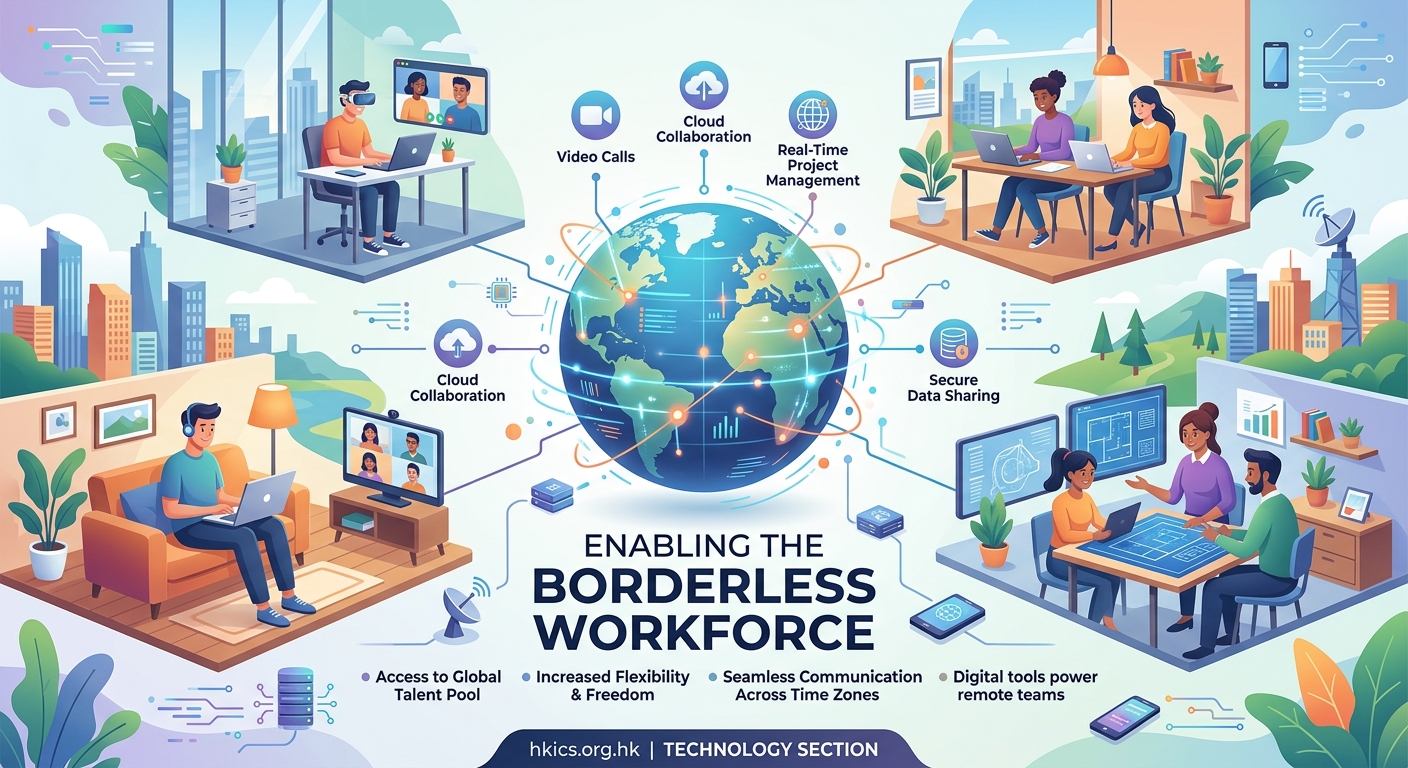
Asynchronous communication becomes essential when team members never overlap in working hours. A developer in Sydney finishes work as a designer in New York wakes up. Progress can’t wait for everyone to be online simultaneously.
Modern messaging platforms solve this problem through threaded conversations, searchable histories, and status indicators. Team members catch up on discussions they missed, contribute when convenient, and maintain context across days or weeks.
Video conferencing technology has matured beyond recognition. High-definition video, screen sharing, virtual backgrounds, and real-time transcription make remote meetings feel almost natural. Recording capabilities mean absent team members review discussions later without asking colleagues to repeat information.
Voice-only calls still matter. Sometimes you need to hash out a complex problem without the formality of video. Walking meetings happen over phone calls. Brainstorming sessions work better when people aren’t staring at screens.
The most successful borderless teams establish communication protocols that respect different working styles and time zones. They document decisions, avoid synchronous meetings when asynchronous updates work better, and create space for both formal and informal interactions.
Project Management Systems That Create Transparency
Borderless teams need visibility into who’s doing what, when tasks are due, and how projects progress. Traditional management by walking around doesn’t work when team members live on different continents.
Digital project management platforms provide that visibility. Kanban boards show work moving through stages. Gantt charts reveal dependencies and deadlines. Dashboard views give managers overview insights while detailed task pages help individual contributors understand expectations.
Automation reduces manual coordination. When a designer completes mockups, the system automatically notifies developers. When code review finishes, testers receive alerts. These automated handoffs prevent work from stalling because someone forgot to send an update.
Integration between tools eliminates duplicate data entry. Project management systems connect to time tracking, invoicing, code repositories, and customer support platforms. Information flows automatically, reducing errors and saving hours each week.
Compliance Technology That Navigates Regulations
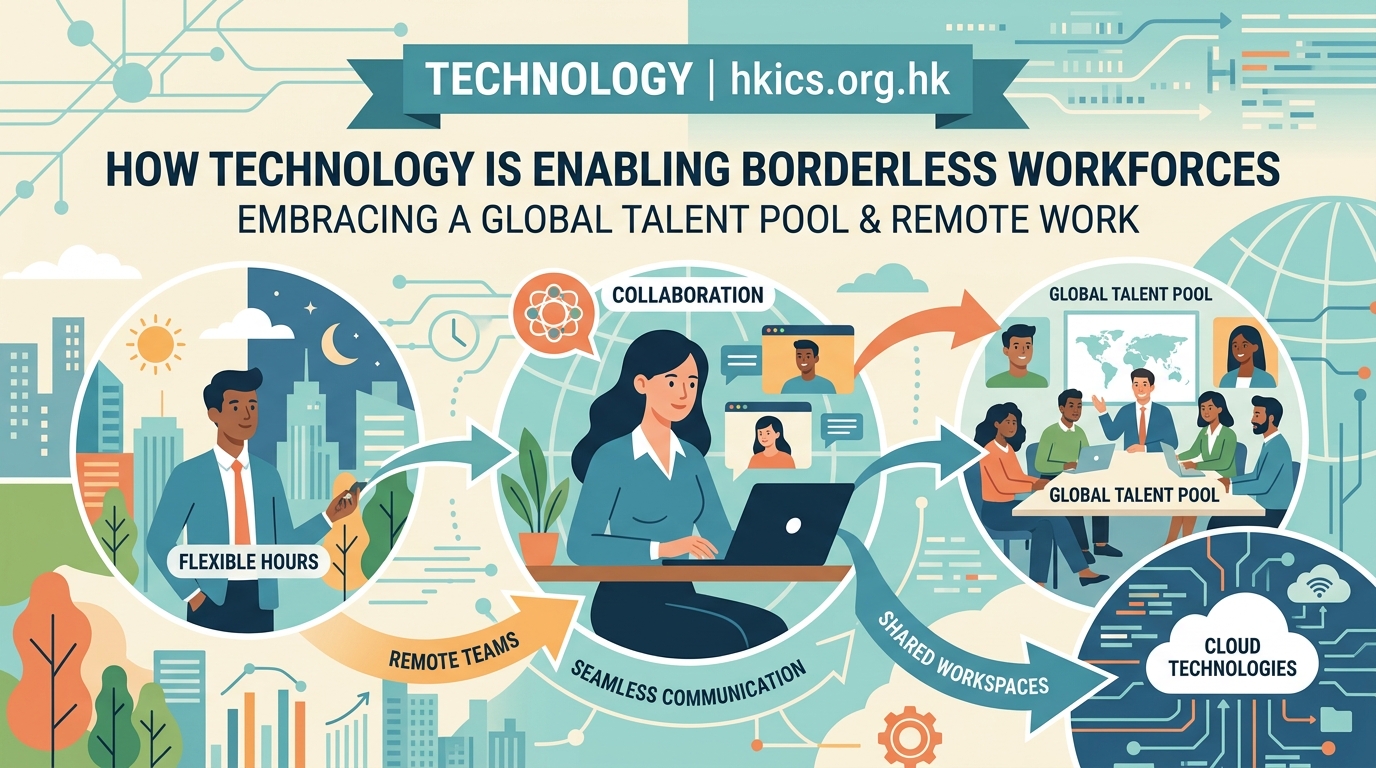
Hiring across borders introduces complex legal requirements. Employment laws vary dramatically between countries. Tax obligations multiply. Data privacy regulations impose strict requirements. Payroll processing becomes exponentially more complicated.
Specialized platforms handle these complexities automatically. They determine which laws apply based on employee location. They calculate taxes correctly for each jurisdiction. They ensure contracts meet local requirements. They process payments in local currencies while handling exchange rates transparently.
These systems update automatically when regulations change. A new data privacy law in the European Union doesn’t require manual policy updates. The platform incorporates requirements and flags potential compliance issues before they become problems.
Documentation becomes manageable. Digital signature platforms allow contracts to be signed legally across jurisdictions. Document management systems store employment records with appropriate retention periods. Audit trails track every change for regulatory purposes.
| Technology Category | Primary Function | Common Mistake |
|---|---|---|
| Cloud Infrastructure | Centralized data access | Choosing platforms that don’t integrate |
| Communication Tools | Asynchronous collaboration | Over-relying on synchronous meetings |
| Project Management | Workflow transparency | Creating overly complex processes |
| Compliance Platforms | Regulatory adherence | Assuming one-size-fits-all solutions |
| Time Tracking | Productivity monitoring | Micromanaging instead of measuring outcomes |
| Digital Signatures | Contract execution | Ignoring jurisdiction-specific requirements |
Collaboration Platforms That Foster Culture
Technology can’t create company culture, but it can support or undermine it. Borderless teams need intentional tools and practices to build connections that happen naturally in physical offices.
Virtual watercoolers create space for informal conversation. Dedicated channels for hobbies, pets, or random thoughts let personality emerge. Video coffee chats pair random team members for casual conversation. These small interactions build relationships that make collaboration smoother.
Recognition systems make achievements visible across the organization. When someone does excellent work, public acknowledgment ensures the entire team sees it. Peer-to-peer recognition programs let colleagues celebrate each other without waiting for manager approval.
Knowledge management systems preserve institutional memory. New hires access documentation about why decisions were made, how processes evolved, and what the team learned from past projects. This context helps remote workers understand the organization faster than they could through scattered conversations.
Security Measures That Protect Distributed Assets
Borderless workforces expand attack surfaces. Employees connect from home networks, coffee shops, and coworking spaces. Devices range from company-issued laptops to personal phones. Each connection point represents a potential vulnerability.
Zero-trust security models assume every connection is potentially hostile. Users authenticate their identity continuously, not just once at login. Systems verify device health before granting access. Permissions follow least-privilege principles, giving users exactly what they need and nothing more.
Endpoint protection secures individual devices regardless of location. Antivirus software, firewalls, and encryption protect data even if a laptop is stolen. Remote wipe capabilities let IT teams erase sensitive information from lost devices.
Security awareness training becomes continuous rather than annual. Short, regular reminders about phishing attempts, password hygiene, and data handling practices keep security top of mind. Simulated attacks test whether employees apply training in realistic scenarios.
Productivity Monitoring That Respects Autonomy
Some organizations respond to remote work by implementing invasive surveillance. Keystroke logging, random screenshots, and activity tracking create toxic environments that drive away talented people. Better approaches focus on outcomes rather than activity.
Time tracking tools help employees understand how they spend their days. They identify time-consuming tasks that could be automated or eliminated. They reveal patterns like frequent context switching that harm productivity. Used correctly, these tools empower workers rather than police them.
Goal-setting frameworks align individual work with organizational objectives. OKRs (Objectives and Key Results) or similar systems create transparency about priorities. Team members understand how their work contributes to larger goals. Progress becomes measurable without micromanagement.
Performance analytics aggregate data at team or department levels rather than monitoring individuals constantly. Managers see trends and patterns that inform better decisions about resource allocation, process improvements, and skill development.
Implementation Steps for Technology Adoption
-
Assess current capabilities honestly. Document existing tools, identify gaps, and survey employees about pain points. Don’t assume you know what people need without asking them.
-
Prioritize based on impact and feasibility. Some technologies deliver immediate value with minimal disruption. Others require significant change management. Start with wins that build momentum for larger transformations.
-
Pilot before rolling out broadly. Test new tools with a small group. Gather feedback. Refine processes. Address concerns. Then expand to the full organization with confidence that the approach works.
-
Train thoroughly and repeatedly. One-time training sessions don’t stick. Create ongoing learning resources. Offer office hours where people can ask questions. Celebrate users who master new tools and share knowledge with colleagues.
-
Measure adoption and outcomes. Track usage rates, but also assess whether tools achieve intended goals. Are meetings more productive? Do projects finish faster? Are employees more satisfied? Adjust based on evidence rather than assumptions.
-
Iterate continuously. Technology evolves rapidly. User needs change. Competitive pressures shift. Regularly review your technology stack and be willing to replace tools that no longer serve you well.
Integration Strategies That Prevent Tool Sprawl
Each new platform promises to solve specific problems. Before long, organizations accumulate dozens of disconnected tools. Employees waste time switching between applications, entering the same data multiple times, and searching for information across systems.
Integration platforms connect disparate tools through APIs. They automate workflows that span multiple systems. They ensure data consistency across platforms. They reduce the cognitive load of managing many separate tools.
Consolidation sometimes beats integration. If three tools each handle part of a workflow, a single platform that handles the entire workflow might work better. Fewer tools mean less complexity, lower costs, and easier training.
Standards and protocols ensure new tools work with existing infrastructure. Before adopting any technology, verify it integrates with your core systems. Proprietary platforms that don’t play well with others create long-term problems.
Cost Considerations Beyond Subscription Fees
Technology enabling borderless workforce operations involves more than software subscriptions. Implementation requires time and expertise. Training consumes resources. Support demands ongoing attention. Hidden costs add up.
Calculate total cost of ownership before committing. Include implementation services, training programs, support contracts, and internal labor. Compare against expected benefits like reduced office space, access to global talent, and improved productivity.
Some costs decrease over time. Initial implementation is expensive, but ongoing expenses drop once systems stabilize. Factor in this learning curve when budgeting.
Free tools seem attractive but often cost more in the long run. Limited features force workarounds. Poor support wastes employee time. Security vulnerabilities create risks. Paid platforms with strong support often deliver better value despite higher sticker prices.
- Choose platforms designed for global operations, not retrofitted local solutions
- Prioritize tools that integrate well rather than best-in-category standalone products
- Invest in training as much as technology itself
- Establish clear governance around tool adoption to prevent sprawl
- Monitor usage data to identify underutilized platforms worth eliminating
- Build redundancy for critical systems to prevent single points of failure
- Create documentation that helps new hires get up to speed faster
Building Teams That Thrive Anywhere
Technology enables borderless workforces, but people make them successful. The best tools in the world can’t compensate for poor hiring, unclear expectations, or weak management.
Hire for remote work capabilities. Some people thrive with autonomy and asynchronous communication. Others struggle without in-person interaction. Screen for traits like self-direction, written communication skills, and comfort with ambiguity.
Set clear expectations about availability, response times, and communication norms. When does someone need to be online? How fast should they respond to messages? What warrants a meeting versus an email? Explicit agreements prevent frustration.
Invest in occasional in-person gatherings. Even fully remote teams benefit from meeting face-to-face once or twice yearly. These gatherings build relationships that make virtual collaboration smoother throughout the year.
The technology enabling borderless workforce success exists today. Cloud platforms provide infrastructure. Communication tools bridge distance. Compliance systems navigate regulations. Project management software creates transparency. Security measures protect assets. The challenge isn’t finding technology. It’s implementing it thoughtfully, training people effectively, and building cultures that work across boundaries. Organizations that master this combination access global talent, reduce costs, and build resilience that serves them for decades.